
「高效程序员的修炼」告别Postman 快速上手VS Code 易于维护和分享的 REST Client
本文主要介绍如何使用VSCode的REST Client插件进行接口请求
#postman#测试工具#vscode#restful#http
Table of Contents
如果对你有帮助,就点个赞吧~
本文主要介绍如何使用VSCode的REST Client插件进行接口请求
安装扩展插件
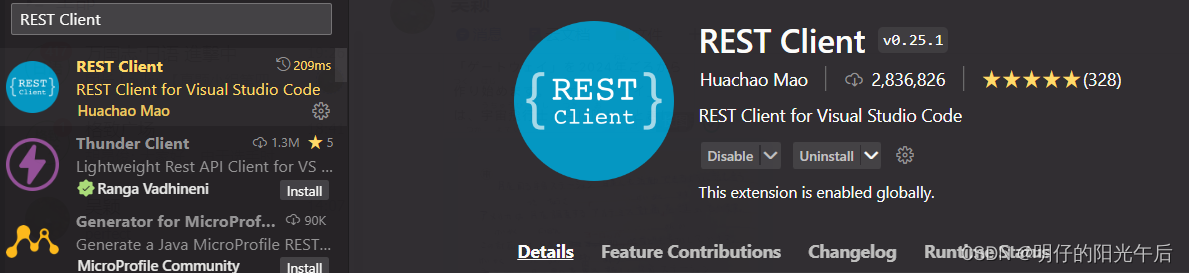
在VSCode的扩展市场里搜索"REST Client",下载以下插件:
新建请求http文件
只要新建一个以.http为后缀的文件,即可在文件中编写和存储HTTP请求,如下:
GET https://httpbin.org/get多个请求之间使用三个井号###来分隔,如下:
# 请求1
GET https://httpbin.org/get
###
# 请求2
GET https://httpbin.org/get
增加参数和请求头
GET https://httpbin.org/get HTTP/1.1
access-control-allow-credentials: true
content-type: application/json

###
GET https://example.com/comments
    ?page=2
    &pageSize=10 HTTP/1.1
access-control-allow-credentials: true
content-type: application/json
POST 请求
POST https://httpbin.org/post
?param_1=1
¶m_2=2
Content-Type: application/json
{
"name": "name",
}使用变量
@name = ming_zai
POST https://httpbin.org/post
?param_1={{name}}
¶m_2={{name}}
Content-Type: application/json
{
"name": "{{name}}",
}